Your carousel starter file
The CAROUSEL guide
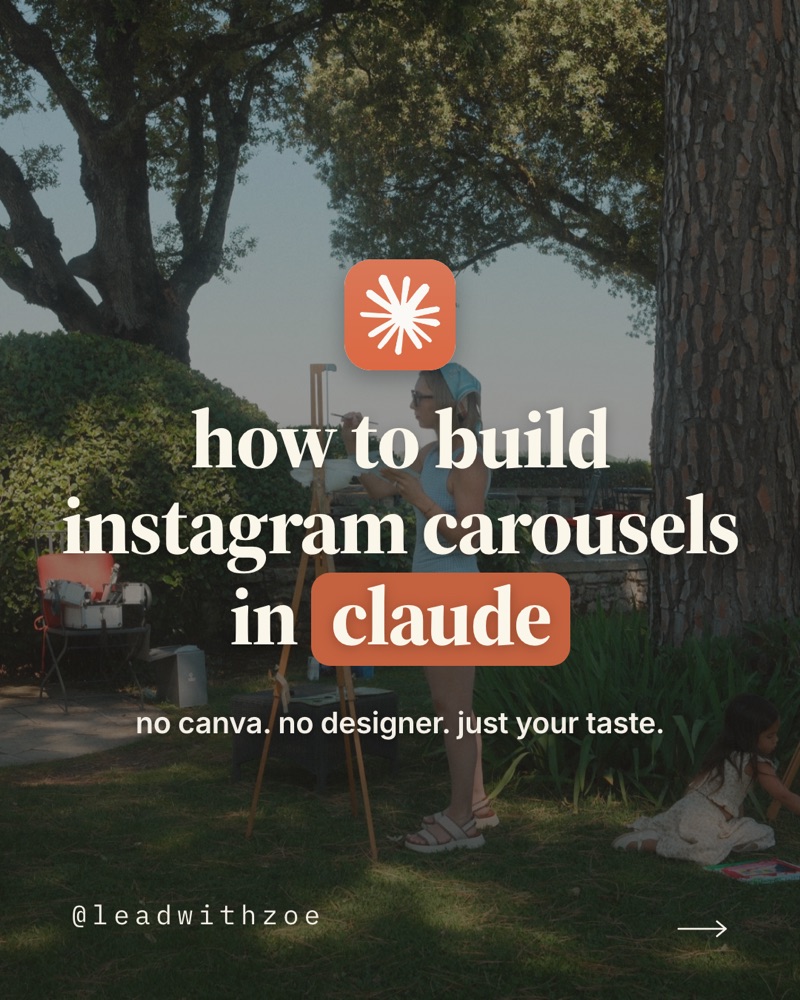
I don't use Canva and I don't have a designer. Every carousel I post now gets built in Claude, in about ten minutes, and it looks like me every single time. This guide is an open book: my actual style guide, the exact prompts, and the order I do it in.
It works in regular Claude chat. If you use Claude on your computer, it can also save the finished slides straight into a folder for you.
Start here: the starter file
The download button at the top of this page gives you carousel-starter.md. It's a plain text file written as instructions for Claude. Drop it into Claude and it becomes your carousel designer: it knows the style guide, the steps and the prompts, and it will ask for your examples so it can make the style guide yours.
- Tap Download the starter at the top of this page.
- Open Claude and start a new chat. If you have Claude Projects, make a project called "carousels" and add the file to it, so every chat in that project already knows it.
- Drag the file into the chat and say: "This is my carousel starter. Read it and help me make it mine."
- Send it 5 to 10 screenshots or a Pinterest board you love. It rewrites the style guide in your taste and shows you a sample slide.
My style guide, open book
This is the style guide behind my carousels. Steal the structure. Make the taste yours.
Background
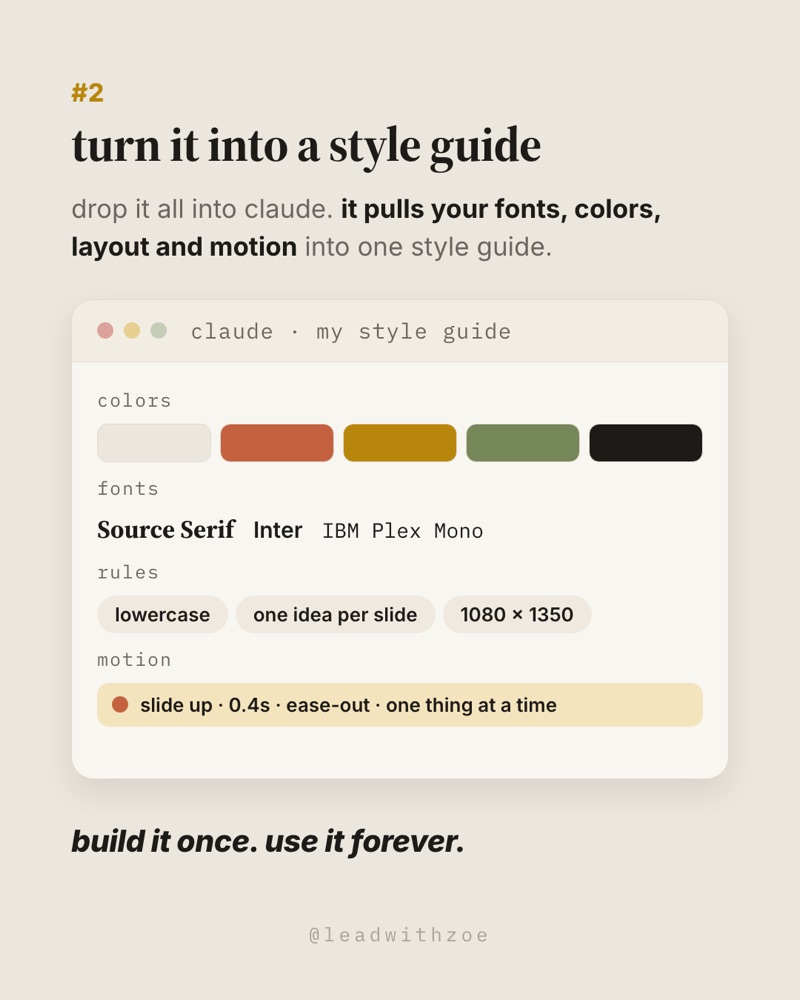
#ebe6de
Warm paper, never stark white
Accent
#c4623f
Terracotta, for the one word that matters
Labels
#b8860b
Gold step numbers
Done / ink
#76875a
Sage for done, near-black ink
Titles
Source Serif 4
Bold, tight, lowercase
Body
Inter
Gray, with the key phrase in bold black
Labels
IBM Plex Mono
Window titles and small tags
Size
1080 × 1350
Instagram's tall 4:5 format
All three fonts are free on Google Fonts: Source Serif 4, Inter and IBM Plex Mono.
Here's the full style guide as I keep it. It's also inside the starter file. Or paste this into Claude as the starting point for yours:
CAROUSEL STYLE GUIDE. Size: 1080 × 1350 PNG. Background #ebe6de warm paper. Ink #1d1b18. Accent #c4623f terracotta. Gold #b8860b for step numbers. Sage #76875a for done states. Titles: Source Serif 4 bold, about 66px, lowercase. Body: Inter, gray, with the key phrase in bold black, two lines max. Labels: IBM Plex Mono. Layout: gold step number, title, short body, then one app-window mockup that fills the slide, then one bold italic takeaway line, then @handle centered at the bottom. Cover: full-bleed photo, darkened, the app logo above a big serif headline with one word in a terracotta pill. Last slide: the same kind of photo with a light card that says comment KEYWORD. Rules: all lowercase, one idea per slide, no em dashes, no hype. Motion: elements slide up one at a time, 0.4 seconds, ease-out.
Before you start
- Open Claude. Any Claude chat that can create files works. Start a new chat for your carousels and keep reusing it, so it remembers your style guide.
- Collect 5 to 10 things you love. Screenshots of carousels, posts you saved, a Pinterest board. Not sure what you like yet? Open Pinterest, search "instagram carousel design" or "editorial carousel," and save what makes you stop.
- Pick one or two photos of you for the cover and the last slide.
- Give it ten minutes. The first one takes the longest because you're building the style guide. After that, it's mostly talking.
The six steps
1. Collect what you love
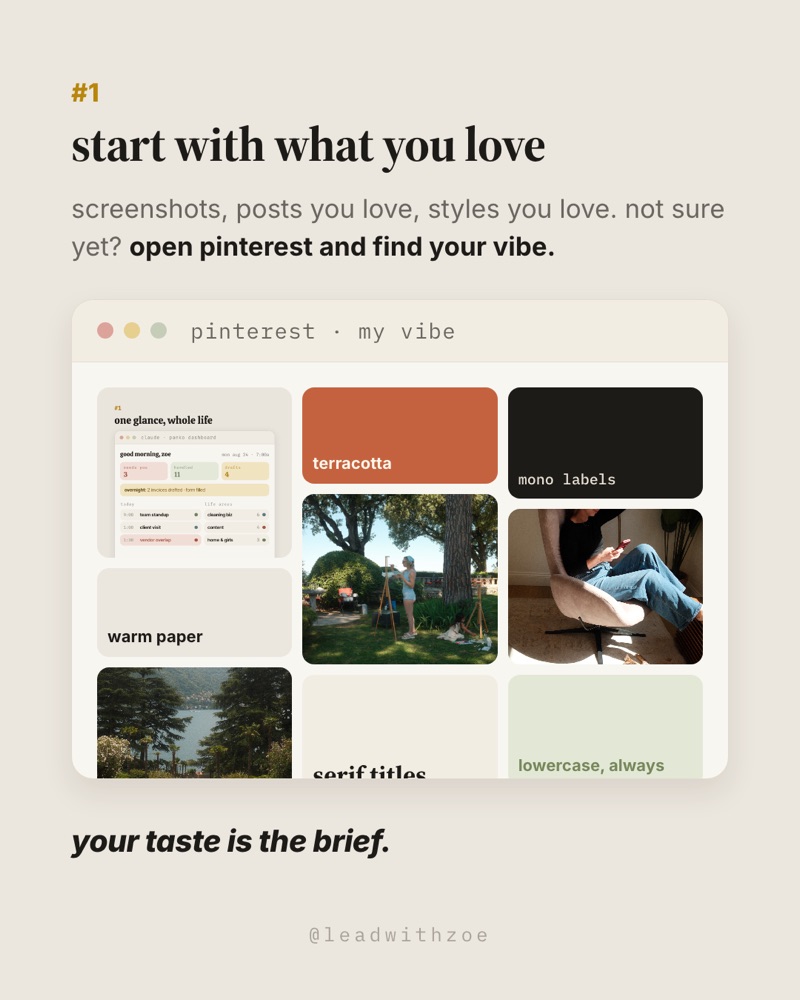
Your taste is the brief. You don't need design words, you need examples. Screenshots, posts you love, styles you love. Pinterest is the fastest way to find your vibe if you're starting from zero.
Simple steps
- Save 5 to 10 screenshots or pins in one place.
- Notice what they have in common: colors, fonts, how busy they are.
- Drop them all into one Claude chat.
2. Build your style guide
This is the step most people skip, and it is why their carousels never look consistent. Ask Claude to turn your examples into one style guide it can follow exactly, every time.
Copy this prompt
Here are carousels and styles I love. Build me a carousel style guide I can reuse for every post: background and accent colors with hex codes, fonts for titles, body and labels, the slide size (1080 × 1350), how each slide is laid out, what the cover and the last slide look like, rules for tone and capitalization, and a motion section for animated slides. Write it so you can follow it exactly every time, and show me one sample slide using it.
Your review point
Look at the sample slide. If it doesn't feel like you, say why in plain words: "warmer," "less busy," "bigger titles." Then ask it to update the style guide, not just the slide.
3. Add motion to your style guide
Animation is one piece of your style guide, too. Instagram carousels can mix photos and short videos, so one animated slide is an easy way to stop the scroll. My motion rule is simple: things slide up one at a time, 0.4 seconds each, ease-out, and only one thing moves at a time.
Copy this prompt
Using the motion section of my style guide, make an animated version of slide [number]: each element slides up one at a time, 0.4 seconds, ease-out, then holds for two seconds. Export it as an MP4 at 1080 × 1350.
Your review point
On your computer, Claude can render the MP4 for you directly. In a browser chat, ask for the animated slide as a page you can play and screen-record if the video export isn't available. Keep it to one animated slide per carousel.
4. Talk it out
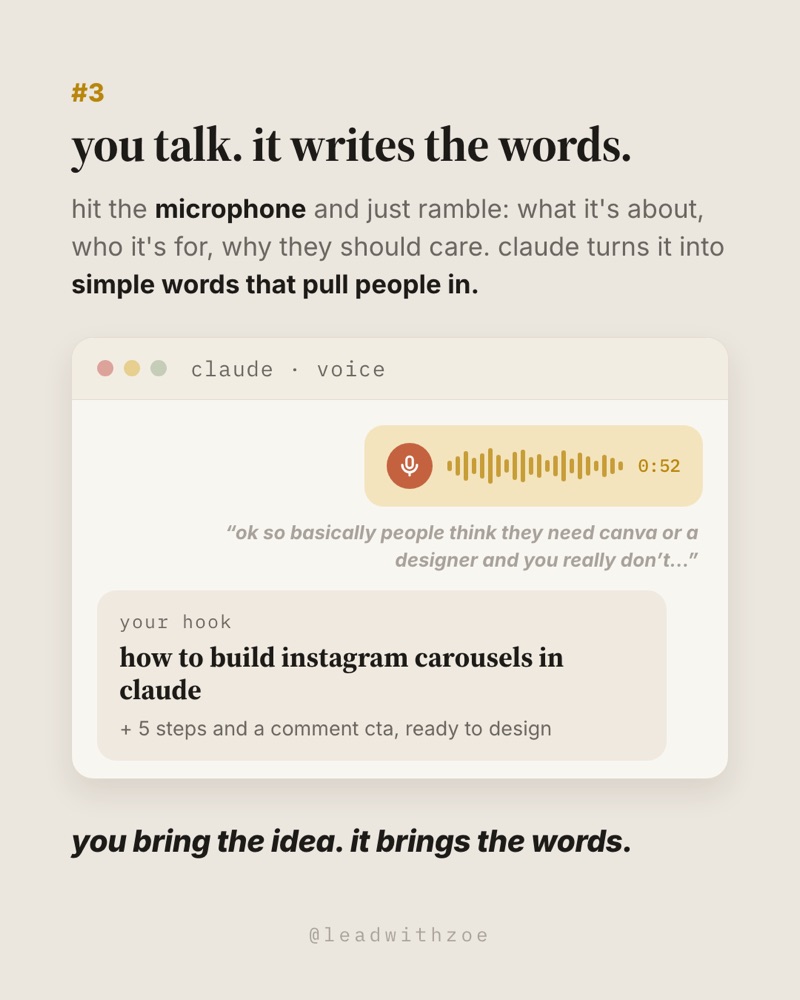
Hit the microphone and just ramble. What it's about, who it's for, why they should care. Don't write it. Claude turns everything in your head into simple words that pull people in.
Copy this prompt
[Hit the mic and talk.] Turn this into a 7-slide carousel using my style guide: a cover hook in under 8 words, five slides with one idea each, and a last slide with a comment keyword. Keep the words simple, lowercase, and short enough to read in two seconds.
5. Design and export
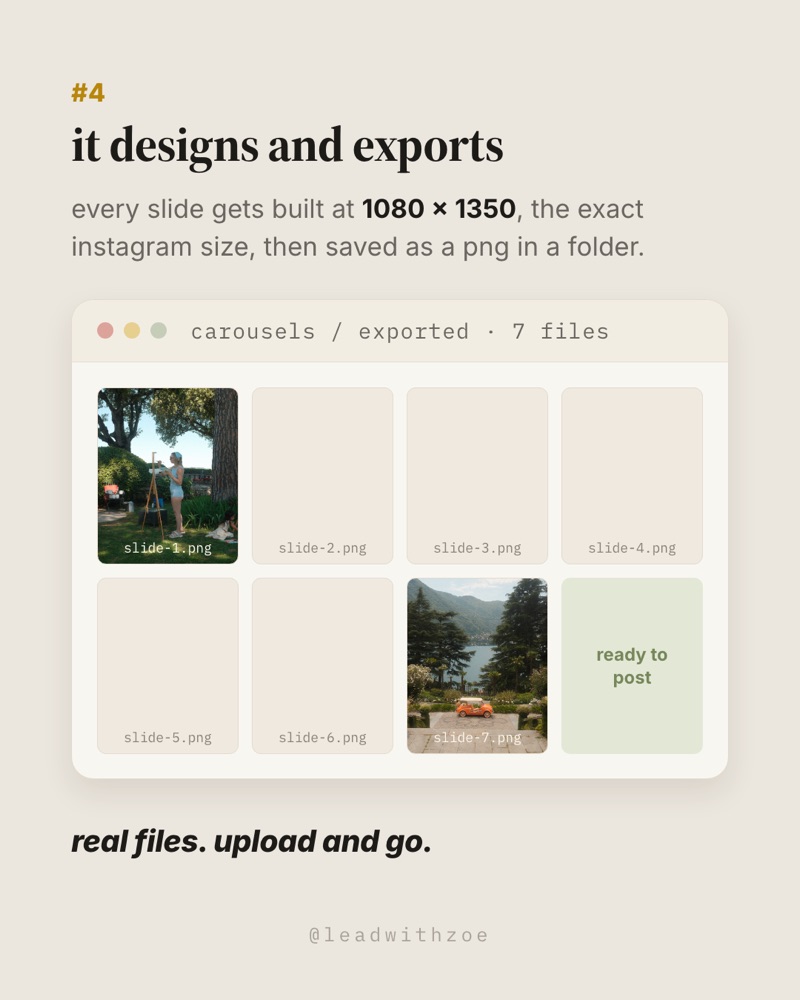
Now Claude builds the slides at the exact Instagram size and gives you the image files.
Copy this prompt
Design all 7 slides using my style guide, at 1080 × 1350. Use [my photo] for the cover and last slide. Give every step slide one app-window mockup that shows the idea. Export each slide as a PNG, named slide-1 to slide-7.
6. Fix it and post
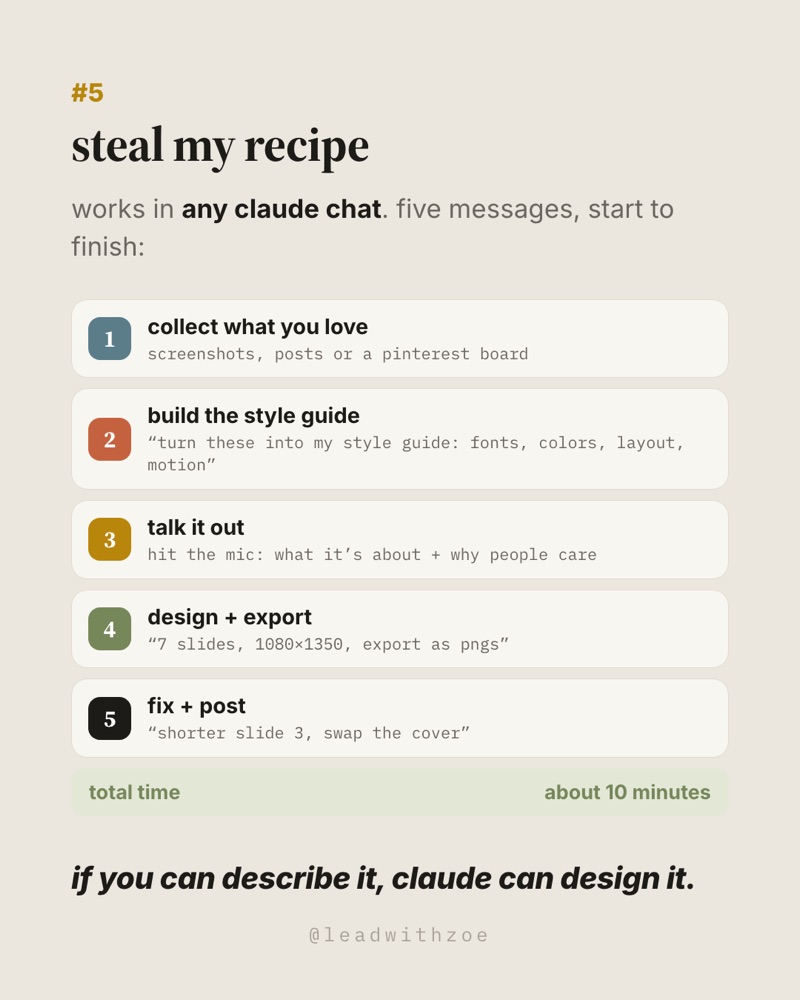
Reply with fixes like you'd text a designer. Then ask for the caption.
Copy this prompt
Make slide 3 shorter, swap the cover photo for [photo], and make the last slide match the cover. Then write my caption: a first line that makes a claim, a second line with "comment [KEYWORD]", and 5 hashtags.
FYI
I'm editing my reels in ChatGPT now, end to end.
No more CapCut or Edits. The whole workflow is in my Video Editing with ChatGPT mini course.
See the mini courseThe exact prompt that built this post
Being an open book: the very first message for this carousel was a screenshot of an older carousel of mine and one line, "make two more like this one. same look, new topics." Claude found my old carousels, matched the style, and built it. Every message after that was me saying what to change, mostly by voice.
About this guide
This CAROUSEL guide covers how I build Instagram carousels in Claude: my real style guide, the six steps and the prompts I use. The prompts are starting points; your results will depend on your examples and your edits.
Checked 6 October 2026.